Upload two photos
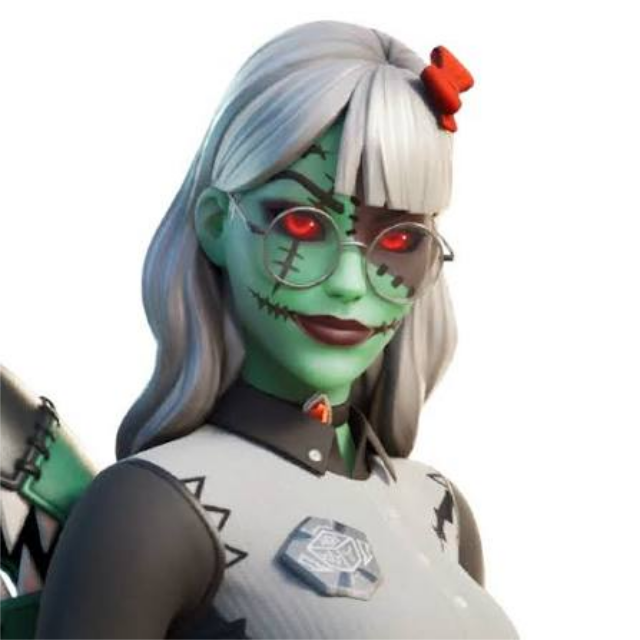
Choose a clear adult portrait for Photo 1 and the character reference you want shown as a zombie for Zombie Photo.
Turn two photos into a fixed 10-second vertical story: a POV standoff, a dark cabin scene, and an autumn embrace.
Use clear face photos (JPG, PNG, or WebP, up to 8 MB each) with good lighting for the best result.
This real 10-second vertical example was generated with Seedance 2.5 from the two reference photos shown here.

This example includes AI-generated background music in the video.
Want to recreate this two-person video trend with your own photos? Use the fixed template—no prompt writing or video editing required.
Choose a clear adult portrait for Photo 1 and the character reference you want shown as a zombie for Zombie Photo.
Click Generate Video to create a 10-second vertical story with a POV opening, a dark cabin scene, and an autumn ending.
Preview the 9:16 MP4, download it, and upload it to TikTok yourself. Background music is included in the example above; the soundtrack may vary between generations.
Every video follows this three-scene, 10-second storyboard. These images are actual frames captured from the example video above.
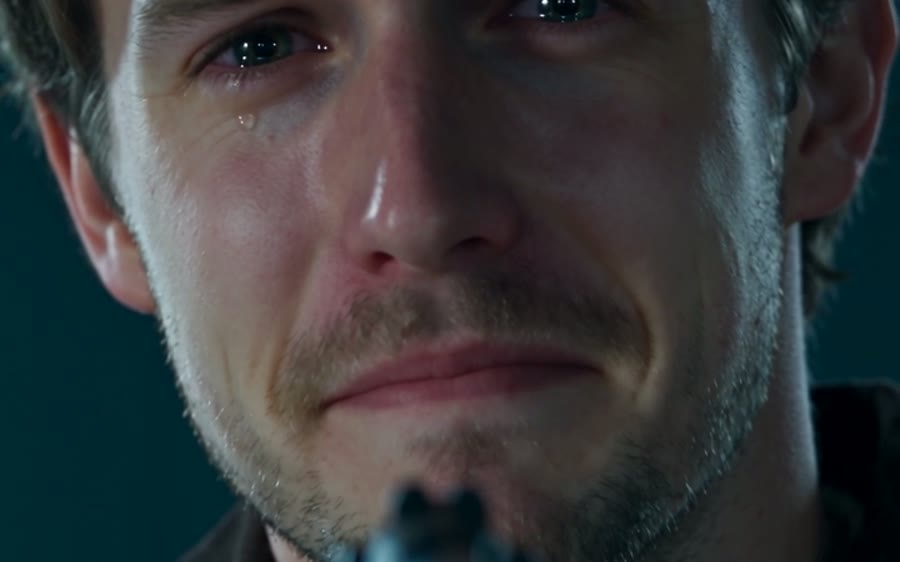
A first-person opening sets the tension · 0–3 seconds
VIDEO FRAME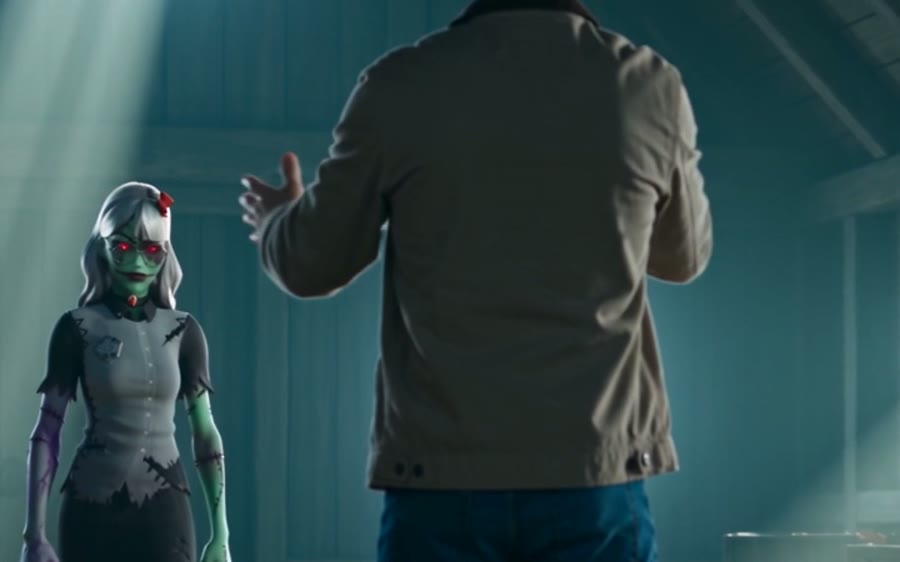
The story moves into a tense cabin encounter · 3–7 seconds
VIDEO FRAME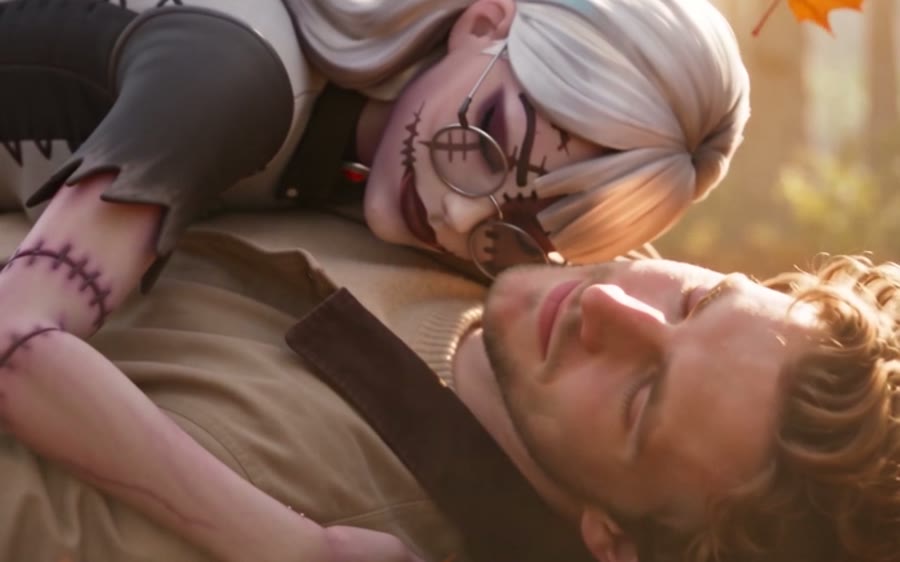
A warm embrace closes the story · 7–10 seconds
VIDEO FRAMEFor couples, friends, gaming fans, and creators.
Choose a reference image for each character.
Start the render and check back when processing is complete.
Watch the result, then save the MP4 to your device.
Each package includes credits for individual videos.
Create 1 Zombie Transformation Video.
Make 5 different zombie stories.
Create 10 vertical zombie videos.
Use two photos, one for each character. Clear portraits with recognizable faces work best; JPG, PNG, and WebP files are accepted.
Only upload photos you own or have permission to use. Photos must be of adults; do not upload images of minors.
Generation time depends on processing availability.
A 10-second vertical 9:16 MP4.
Download the MP4 and post it to TikTok yourself. This is not an official TikTok feature.
No. It is an independent fan-style AI tool and is not affiliated with Epic Games or Fortnite.
One credit creates one video. See pricing and package details.
Upload two photos to create a vertical 10-second Fortnite Zombie AI video with a fixed three-scene story: a POV standoff (0–3 seconds), a dark cabin scene (3–7 seconds), and an autumn embrace (7–10 seconds).
See the Fortnite Zombie AI Video example and learn more in the full FAQ.